
SOFTWARE COURSES
CERTIFICATE IN COMPUTER ACCOUNTING
CERTIFICATE IN COMPUTER ACCOUNTING is a practical computer course for students who want clear guidance, regular practice, and supportive admission help in Varanasi and Unnao.
Course Overview
Short Name
CCA (TALLY PRIME with GST)
Category
SOFTWARE COURSES
Course Code
SC003
Duration
3 Months
CERTIFICATE IN COMPUTER ACCOUNTING is designed for students who want practical computer learning, clear guidance, and day-to-day confidence with important digital skills.
At JEC Institute, this course is taught with regular practice, topic-wise support, and a simple learning approach that helps students in Varanasi and Unnao move forward with confidence.
Start Admission
Submit your request and the nearest branch will contact you for guidance on this course.
Apply for this courseLooking for local guidance?
Course Investment
Fee Structure
Clear course cost with registration, monthly training, duration, and exam fee shown before admission.
Grand Total
Rs. 4,490.00
Registration Fee
Rs. 300.00
Collected at the start of admission.
Monthly Fee
Rs. 1,200.00
Standard month-wise training fee.
Duration
3 Months
Recommended course duration.
Course Fee for Duration
Rs. 3,600.00
1,200.00 x 3 months
Exam Fee
Rs. 590.00
Applicable during the examination stage.
Free Courseware Included
Study resources with this course
Selected courseware is provided free for this course, helping students start learning without extra resource cost.
🎓 Free Resources
2 Included
Bag
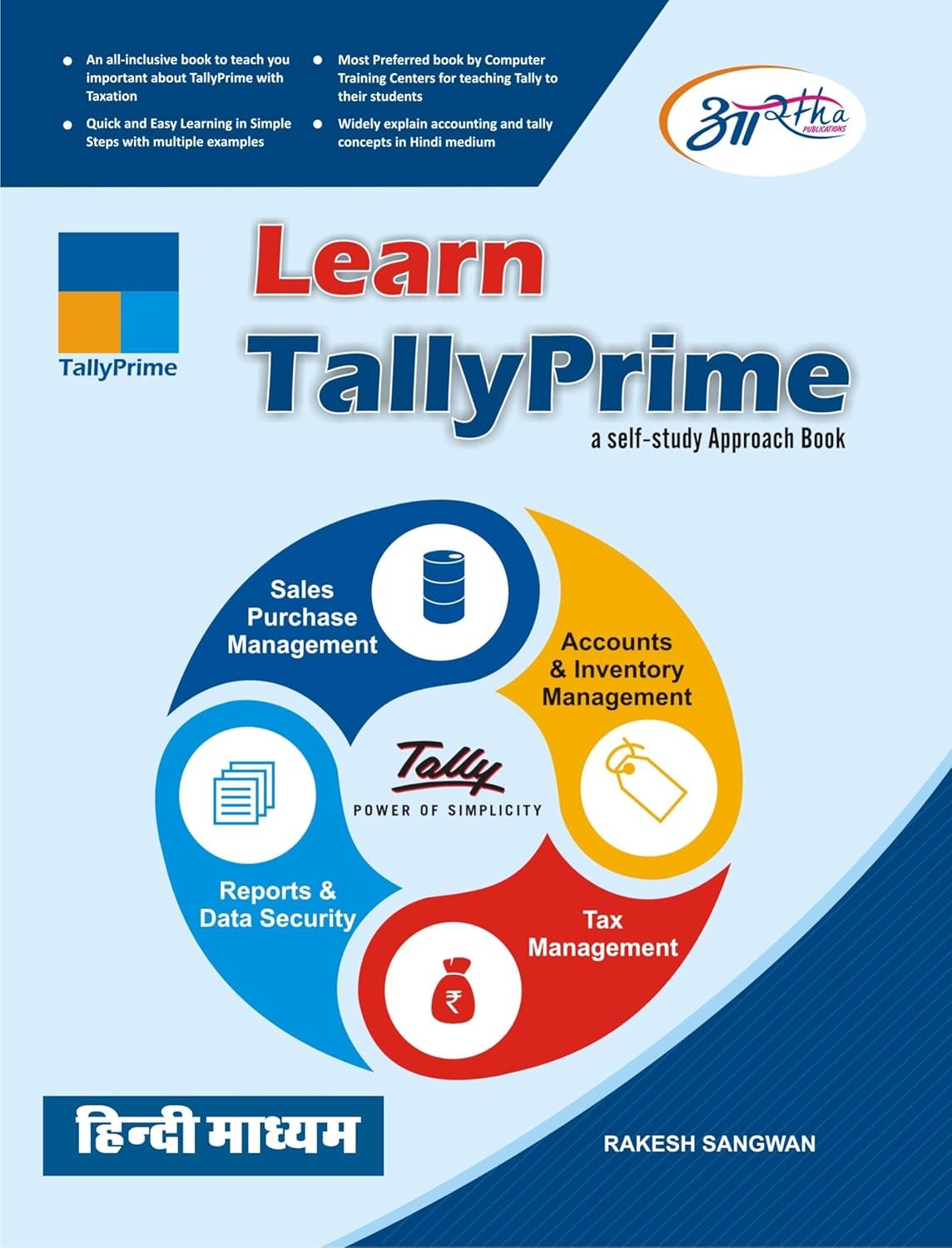
TALLY PRIME
Eligibility
- Suitable for students, beginners, and learners who want practical computer training.
- The best fit depends on your current level and goals, and the admission team can guide you accordingly.
Career Scope
- Accounts assistant or billing support
- GST and record-handling support roles
- Invoice and ledger management support
- Office systems and reporting work
Syllabus
-
BASIC
-
Fundamental
-
Typing tutor (Hindi + English)
-
MS DOS
-
MS Paint
-
Word pad
-
MS Windows
-
Operating System
-
-
TALLY PRIME with GST
-
Introduction to Tally Prime
-
What is Tally Prime & features Installation & activation Interface & navigation Company creation, alteration, deletion
-
-
Accounting Fundamentals
-
Basics of accounting Types of accounts & Golden Rules Double entry system Journal, Ledger, Trial Balance
-
-
Company & Configuration
-
Company creation & settings Features (F11) & Configuration (F12) Security control & user roles Data backup & restore
-
-
Ledger & Voucher Management
-
Ledger creation Groups creation Voucher types: Contra Payment Receipt Journal Sales & Purchase Debit Note / Credit Note
-
-
Inventory Management
-
Stock groups, categories, items Units of measurement Godown (warehouse) management Inventory vouchers Batch-wise details
-
-
Accounting Transactions
-
Purchase & Sales entries Bill-wise details Outstanding reports Cost centers & categories Bank reconciliation (BRS)
-
-
GST (Goods & Services Tax)
-
GST basics & configuration GST in purchase & sales Input & output tax GST returns & reports Interstate & intrastate transactions
-
-
Taxation (Advanced)
-
TDS (Tax Deducted at Source) TCS (Tax Collected at Source) GST advanced transactions Reverse charge mechanism
-
-
Payroll Management
-
Employee creation Salary structure Attendance & payroll processing PF, ESI, Professional Tax Payroll reports
-
-
Banking & Advanced Features
-
Bank reconciliation Cheque printing Interest calculation Multi-currency transactions Budget & scenario management
-
-
Reports & Final Accounts
-
Balance Sheet Profit & Loss Account Day Book Cash Flow MIS Reports
-
-
Advanced Topics
-
Order processing (Purchase/Sales order) Manufacturing (Bill of Materials) POS (Point of Sale) Data security & audit Price list & discount management
-
-
Practical & Projects
-
Real business transactions GST billing project Inventory & stock management Final accounting project
-
-
-
INTERNET
-
Connecting Internet
-
Access Web Site
-
Downloading
-
Uploading
-
Surfing
-
Create E-mail -ID
-
FAQs
Who should join the CCA (TALLY PRIME with GST) course?
CCA (TALLY PRIME with GST) is suitable for students, beginners, office job aspirants, and learners who want practical computer training with regular support.
How is the CCA (TALLY PRIME with GST) course taught at JEC Institute?
The course is taught through practical demonstrations, guided lab sessions, and topic-wise learning so students can understand each concept clearly.
Can I enquire online for CCA (TALLY PRIME with GST)?
Yes. You can use the online admission enquiry form to request course details, batch information, and a callback from the team.
Does this course help with job readiness?
Yes. The course helps students improve practical computer ability, office productivity, and confidence for study or work-related tasks.